Home Theater Projectors
Turn your living room into a cinema with a Panseba projector—ideal for movies, sports, and binge‑worthy streaming on a big screen.

Enjoy vivid, high contrast viewing with the Panseba projector for movies, gaming, and presentations.

Panseba creates approachable projection solutions that make big‑screen entertainment simple, reliable, and enjoyable. We design with everyday life in mind—so setup is easy, performance is consistent, and support is there when you need it. Explore more at panseba-projector.com.
A Panseba projector delivers crisp visuals, vivid color, and flexible placement for home theater, outdoor movie nights, gaming, and on-the-go presentations. With intuitive controls, multiple ports, and convenient wireless casting, you can get up and running in minutes.
Whether you’re upgrading your living room or outfitting a small office, the Panseba projector lineup focuses on dependable quality, thoughtful features like keystone correction and quiet cooling, and responsive customer care—so every viewing feels effortless.
Turn your living room into a cinema with a Panseba projector—ideal for movies, sports, and binge‑worthy streaming on a big screen.
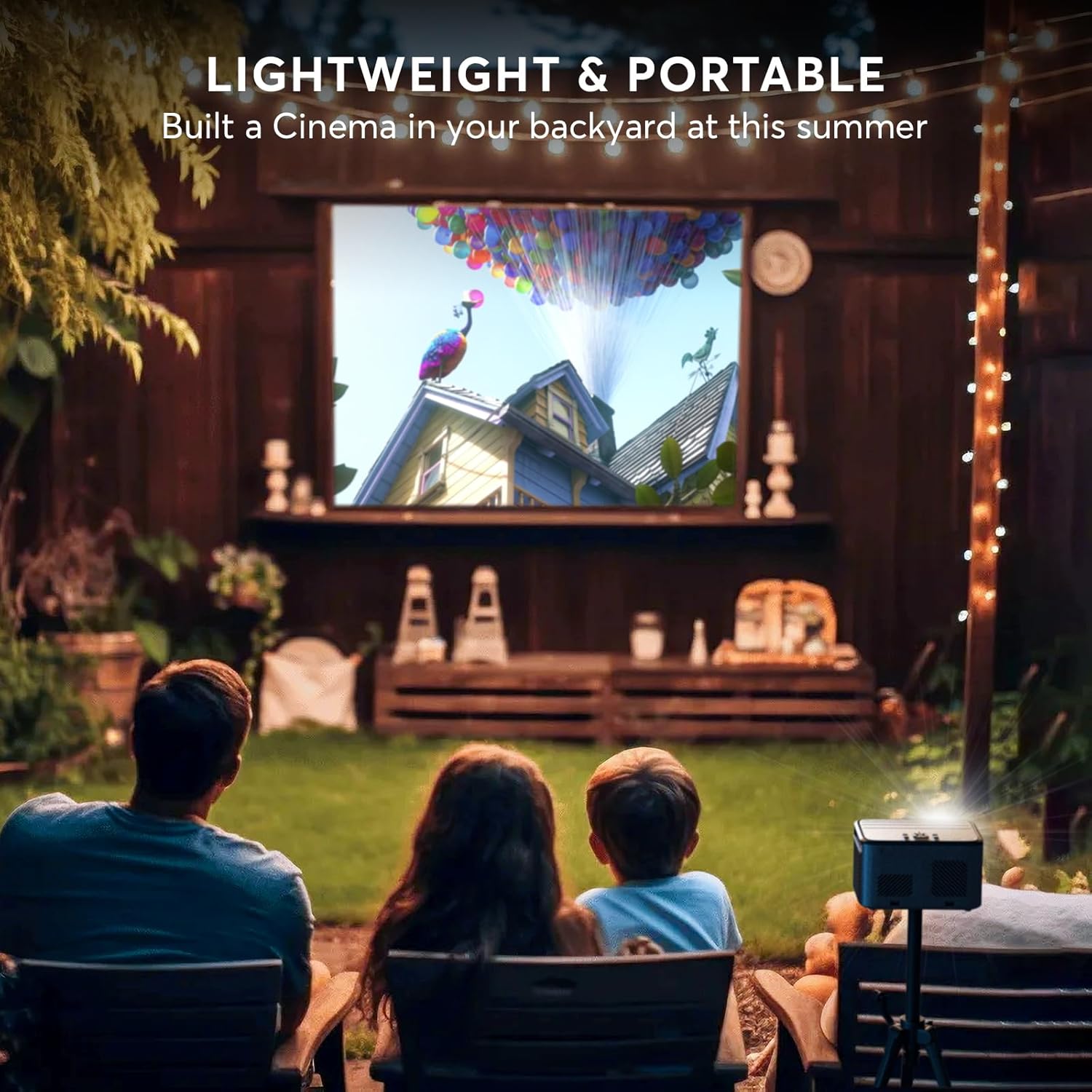
Enjoy backyard movie nights, camping trips, and gameday watch parties with a Panseba projector that’s easy to carry and set up outdoors.
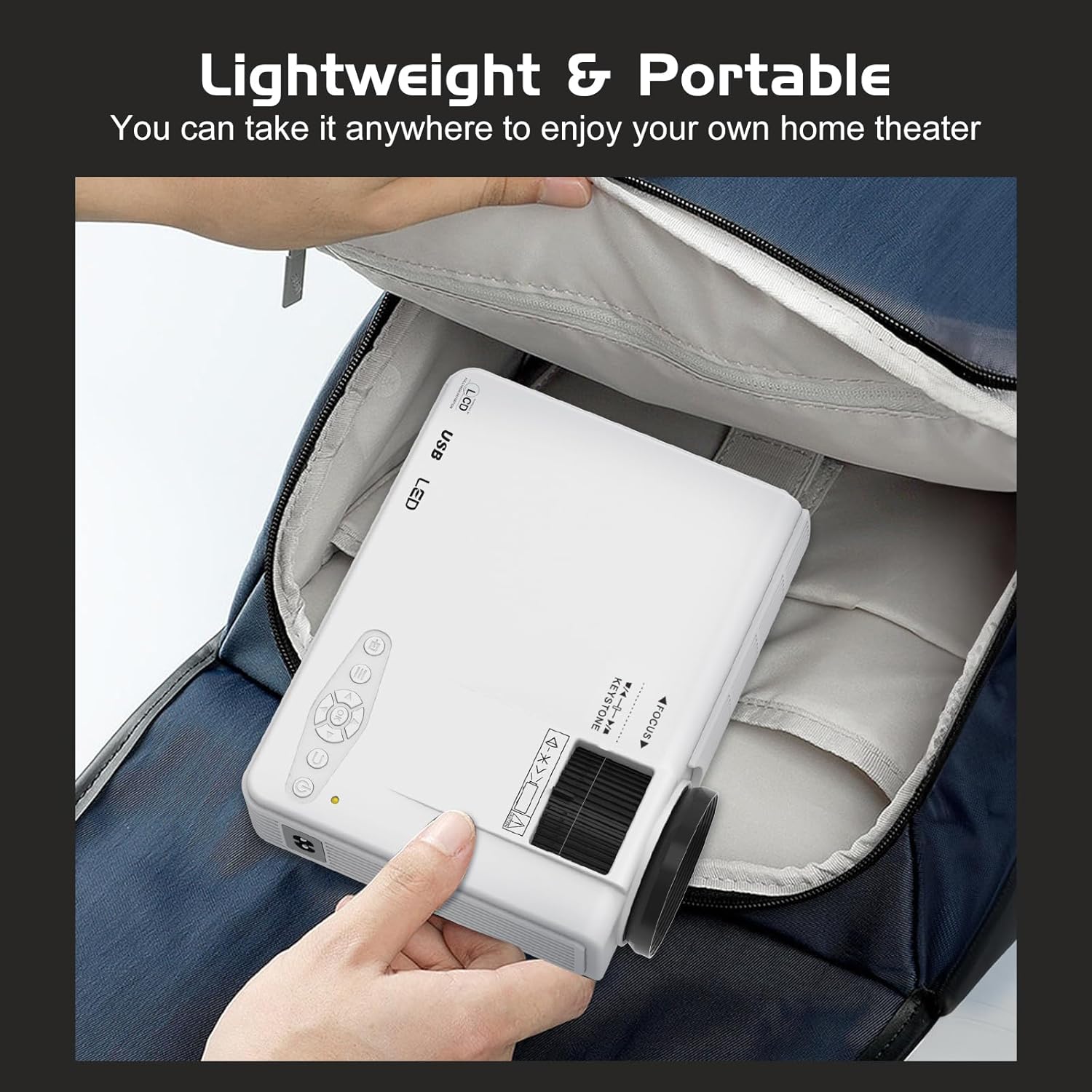
Compact Panseba projector picks for travel, dorms, and small spaces where you want quick, big‑screen entertainment.
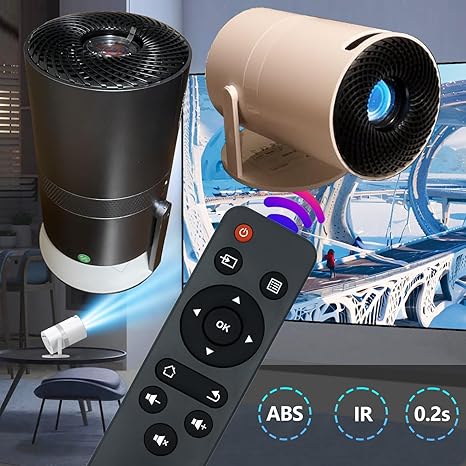
Screens, mounts, cases, and cables that complement your Panseba projector for smoother setups and better viewing anywhere.
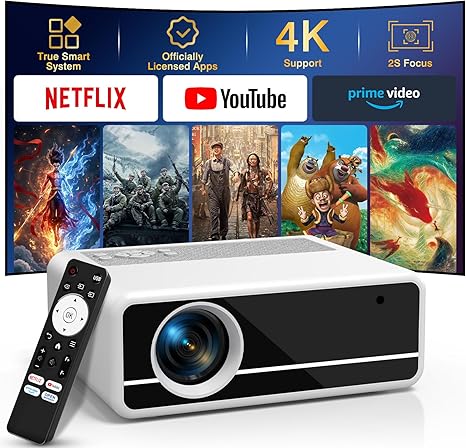
A compact Panseba projector with Netflix and Prime Video built in, perfect for effortless movie nights at home or on the go.
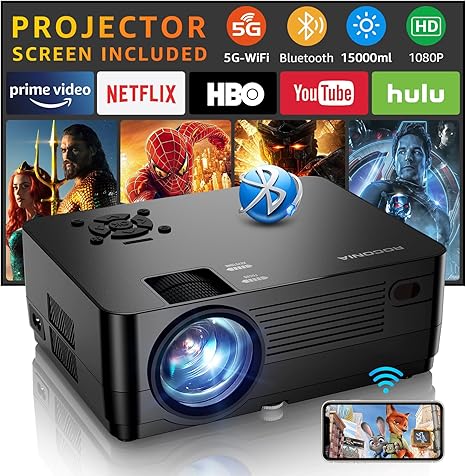
A bright, travel‑friendly Panseba projector for movies and gaming, delivering crisp native 1080P visuals up to 300 inches.
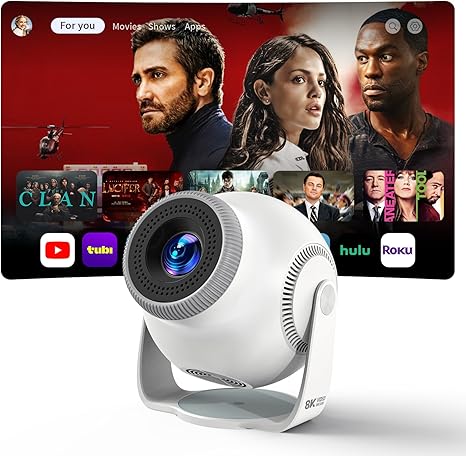
A versatile Panseba projector that rotates 270° for wall or ceiling viewing—ideal for bedrooms, dorms, and cozy outdoor setups.
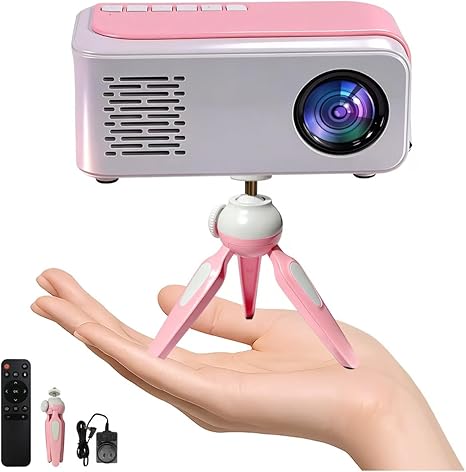
An affordable, portable Panseba projector with a handy tripod—great for quick movie nights, presentations, and travel.
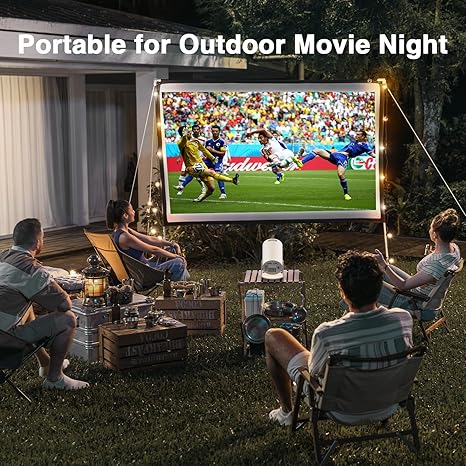
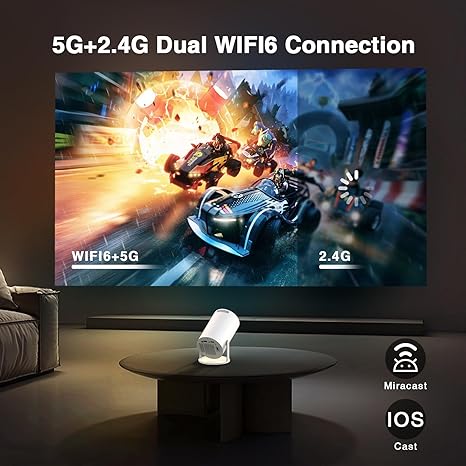
Most Panseba projector models support Wi‑Fi screen mirroring for iOS and Android, so you can share videos and apps without extra cables. It’s a quick way to watch on a big screen at home or outdoors.
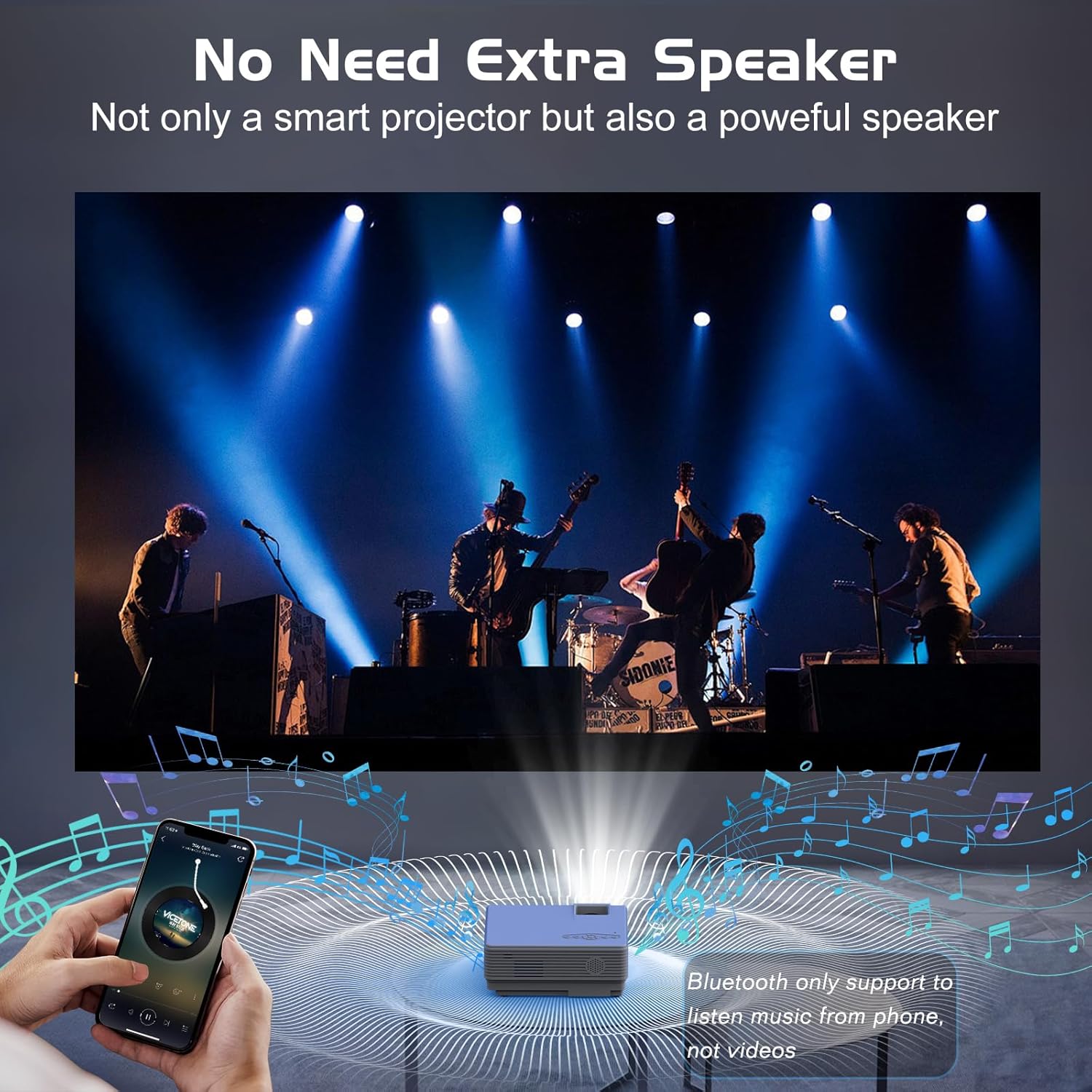
Built‑in stereo speakers let a Panseba projector work on its own, and Bluetooth audio lets you pair wireless headphones or a soundbar for stronger sound.
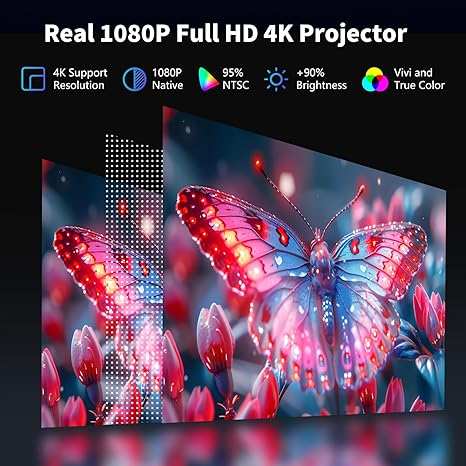
Many Panseba projector options offer native 1080p resolution, and select units accept 4K input. You get sharp movies and games that hold up at larger screen sizes in dim rooms.
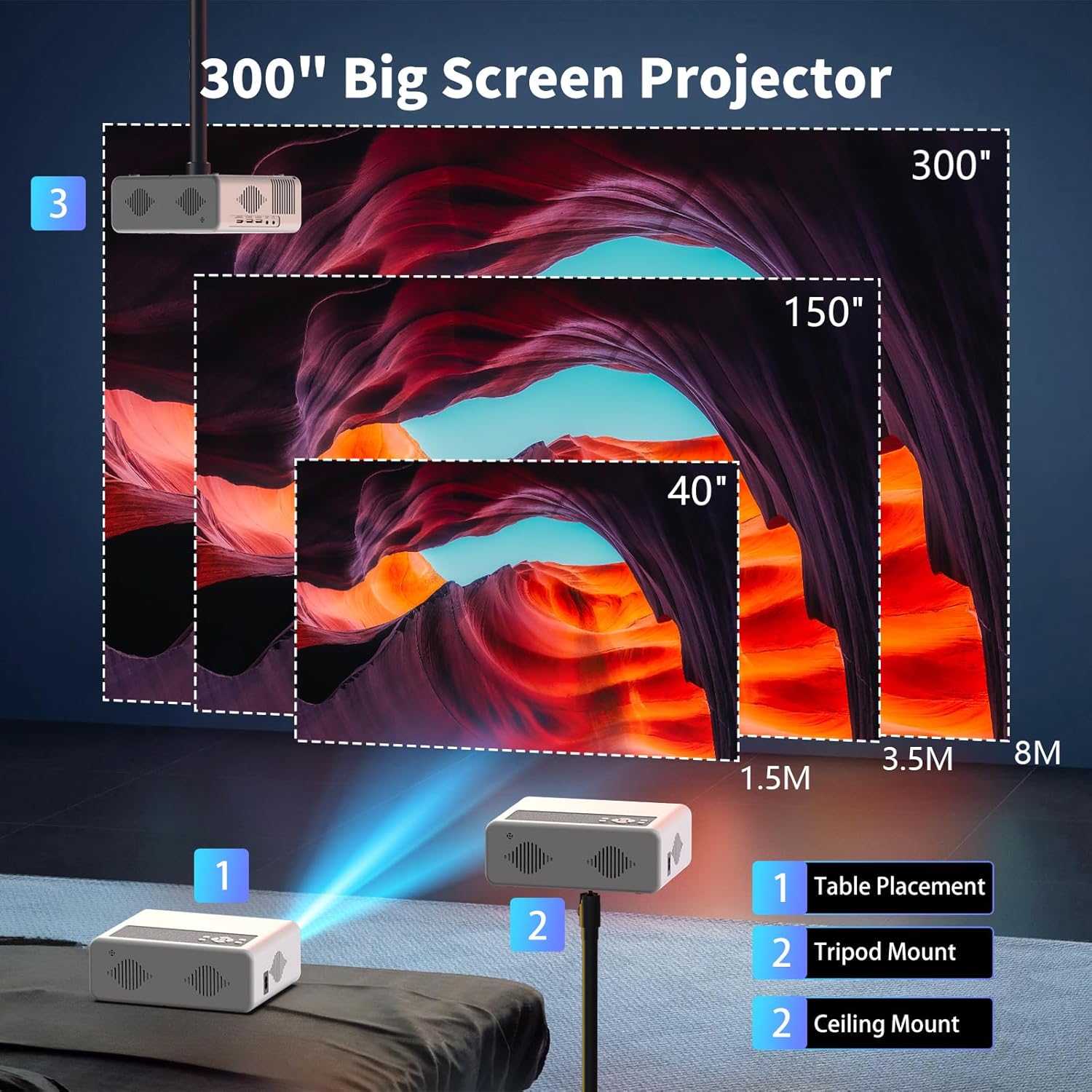
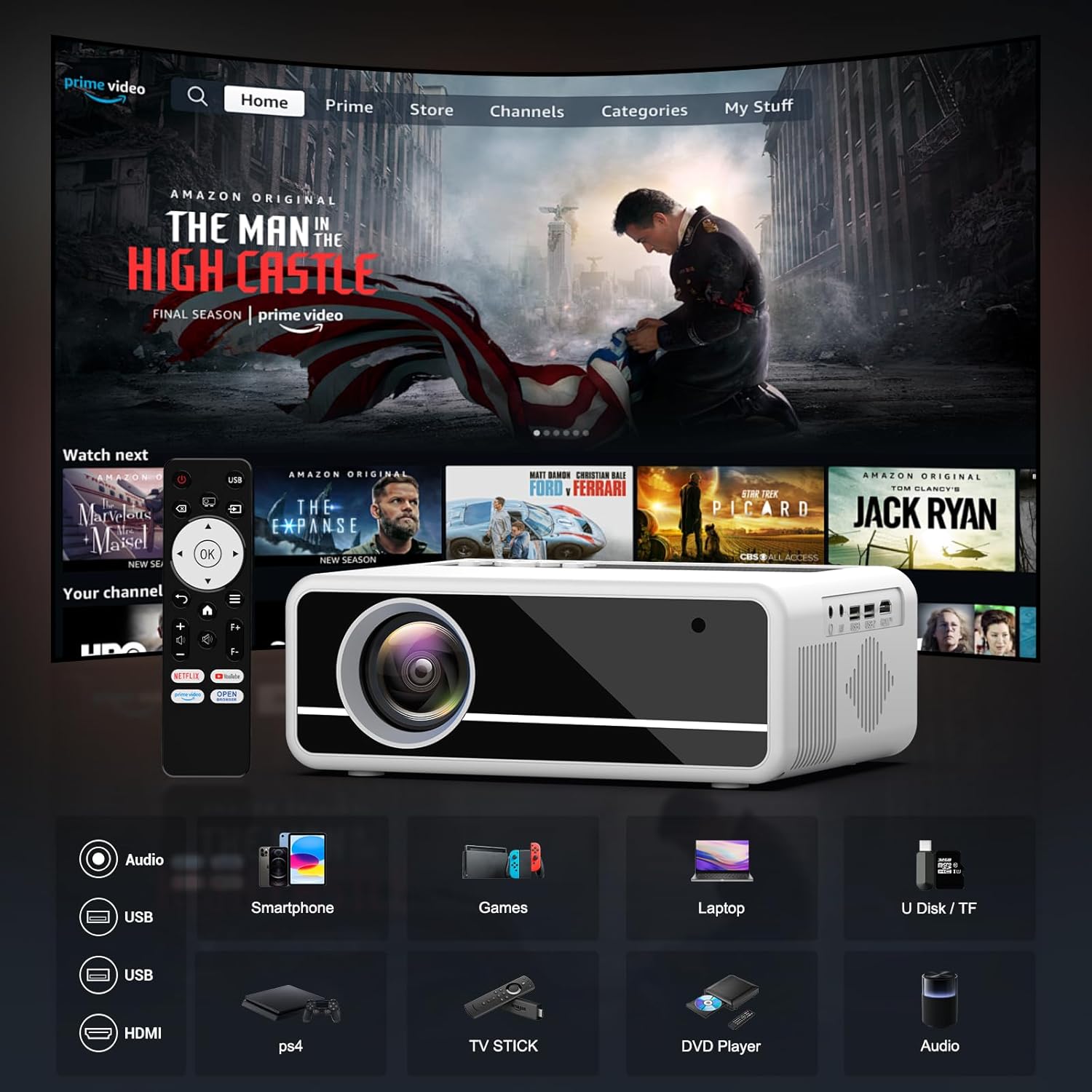
Plug in streaming sticks, laptops, or consoles via HDMI and USB. Panseba projector models are commonly compatible with Roku, Fire TV, PlayStation, and Xbox for flexible setups.
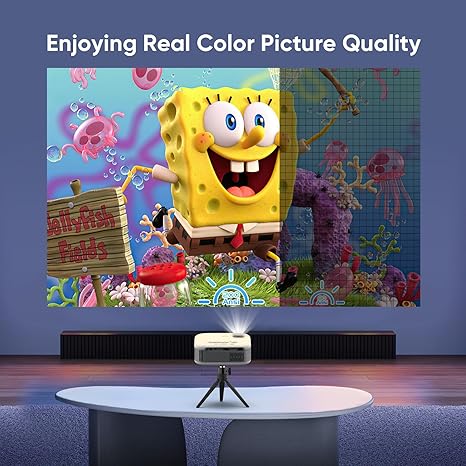
Compact designs travel easily, with features like keystone correction, tripod‑ready versions, and a 270° adjustable model for ceiling or wall projection. Setup stays straightforward in living rooms or backyards.

"As a mom balancing work and family movie nights, the panseba projector made our small living room feel like a theater. Crisp detail, vivid color, and whisper-quiet operation with super-fast setup—exactly what I needed."

"As a dad who travels for client demos, the panseba projector is bright, portable, and rock-solid—great for presentations and weekend sports. Sharp focus edge-to-edge and seamless HDMI casting make it a dependable upgrade."

"As a sister who hosts backyard movie nights, the panseba projector delivers bold, balanced visuals and easy streaming. Quick to focus, quiet in use, and impressive even on a textured wall—setup takes minutes."
A Panseba projector is designed for big‑screen viewing at home, in dorms, on trips, and for occasional outdoor movie nights. It’s great for streaming shows, casual gaming, sports, and simple presentations when paired with a compatible source device.
Many Panseba projectors accept up to 1080p Full HD input over HDMI. You can connect a Fire TV Stick, Roku, Apple TV, Chromecast, game consoles, or a laptop; phones can use USB‑C/Lightning to HDMI adapters or wireless casting if your Panseba model supports it.
Like most mini projectors, a Panseba projector looks best in a dark room or shaded area. Reduce ambient light by closing curtains or using it after sunset for a brighter, higher‑contrast picture.
Screen size and throw distance vary by model. As a general guide, placing the Panseba mini projector a few to several feet from the screen typically yields a 60–120 inch image; check your model’s throw chart for exact distances.
Wireless features depend on the specific Panseba projector. Some models offer Wi‑Fi screen mirroring or Bluetooth audio, while others are wired‑only—confirm on the product page or in the manual.
Use HDMI for the most reliable connection from laptops, PCs, PlayStation, Xbox, Switch dock, or streaming sticks. For phones, use a certified USB‑C/Lightning to HDMI adapter or built‑in casting if your Panseba projector supports wireless mirroring; route audio to speakers via the headphone jack or Bluetooth when available.
Yes—use it after sunset with a proper screen and stable power for the best results. Pick a dark viewing area, add external speakers for fuller sound, and avoid moisture or direct weather exposure since most portable projectors aren’t waterproof.
Place the projector perpendicular to the screen, adjust focus slowly, and use keystone correction sparingly because it can soften details. Keep the lens clean, use a flat matte screen, and darken the room to improve clarity, color, and contrast.
Inputs differ by model, but projectors in this category commonly include HDMI and a 3.5 mm audio out, with some offering USB for media playback. For the widest compatibility and stable performance, play content from an HDMI source device rather than relying on direct USB file decoding.
Warranty length and support options vary by seller and model. Review the retailer’s policy and the Panseba product listing for coverage details and how to contact customer service.
Enjoy crisp visuals, effortless setup, and smart features for home, work, and play. Make every movie, game, and presentation shine with the Panseba projector.
Shop Now